
Help guides and walkthroughs
Short, plain-language walkthroughs with screenshots to help you run Autopilot smoothly.
Getting started
First steps after signing up for Autopilot.
First 15 minutes: Getting started with Autopilot
A quick 15-minute walkthrough to connect your profile, review your facts, and schedule your first update.
Why the five questions matter and how to update your facts
Teach Autopilot your real trade background, specialties, and voice so content stays grounded.
Google profile
Connecting and managing your Google Business Profile.
Website
Setting up your domain, choosing themes, and editing pages.
Connect your own domain
Step-by-step DNS settings for GoDaddy, Namecheap and Squarespace Domains.
Choosing and changing your website theme
Explore nine design styles tailored for trade contractors and how to switch styles instantly.
Edit your customer website by typing in plain words
How to update text, hours, or services by typing plain English requests, with 10 real examples.
Add the one-line embed to your existing site
Keep your existing site on Wix, Squarespace or WordPress and paste one line to show live reviews.
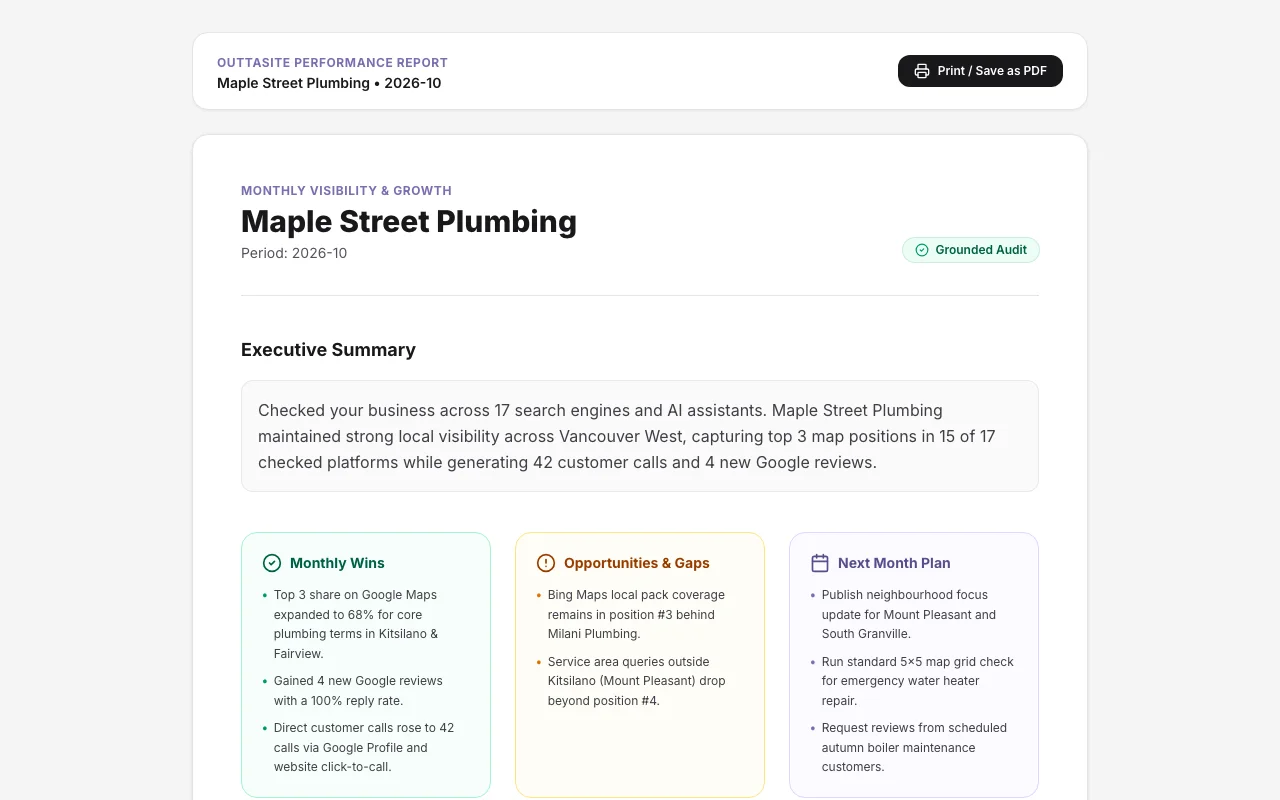
Tracking website leads and call taps
Understand instant lead emails, form submissions, and customer phone tap counts.
Posts and offers
Approving social content, scheduling updates, and publishing promotions.
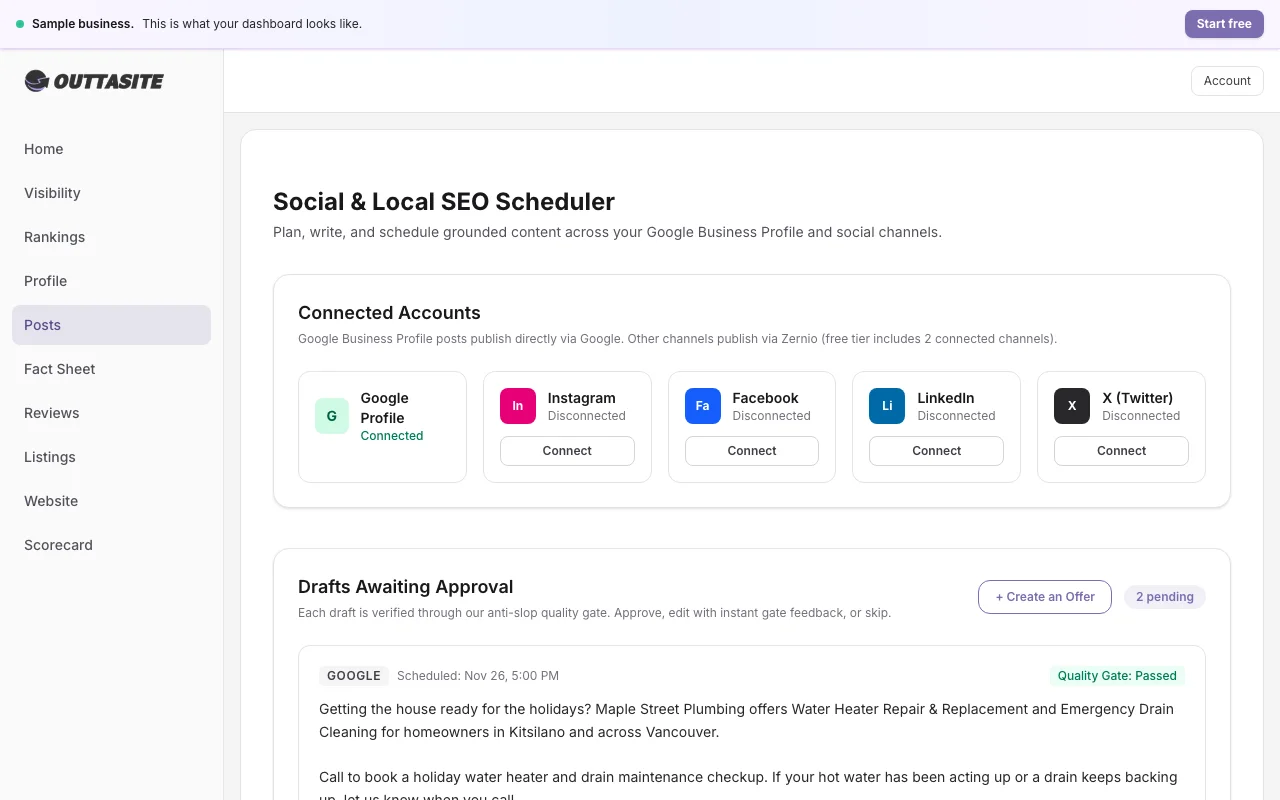
Approve, edit or skip posts and replies
Review your drafted content in one tap by email or directly in your dashboard.
Connecting your social accounts after upgrading
How to link Facebook, Instagram, LinkedIn, and X once your paid subscription begins.
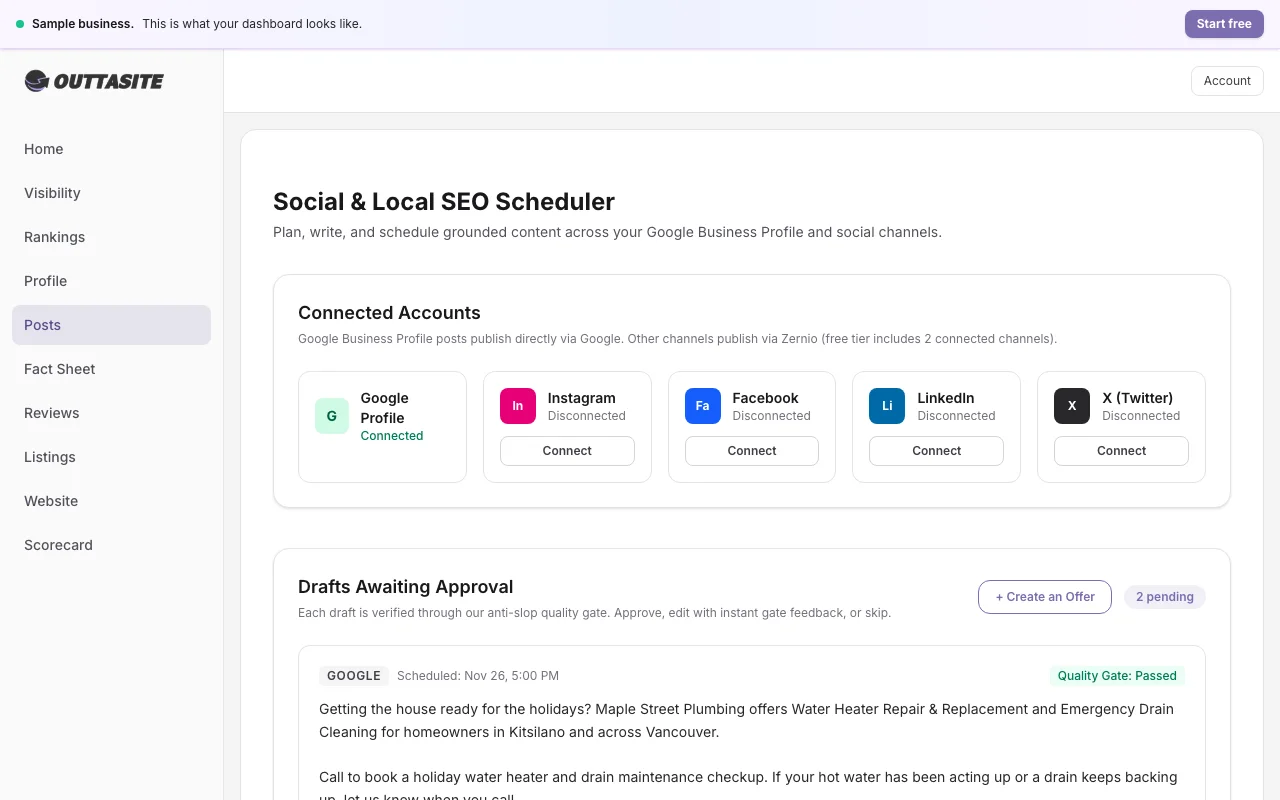
Create an offer on Google
Publish seasonal promotions and service tune ups with start dates and redemption terms.
Seasonal offers and holiday approval dates
When Autopilot prepares Black Friday, Boxing Day, and New Year offers and how you approve them.
Reviews
Review generation velocity and compliance guidelines.

Reports
Understanding your local rankings, maps, and visibility.
What each part of your free report means
A breakdown of your 17-engine scan, competitor mentions, and top 3 priority fixes.
What each part of your monthly report means
Understand your 5 by 5 local map grid colours, customer phone calls, and monthly action plan.
The 5x5 map grid explained
How 25 coordinate points track your local ranking positions across neighbourhoods and what the colors mean.
Billing
Managing your subscription, trials, and invoices.
Trial and billing: What's included and how it works
Everything you need to know about your 14-day free trial, FRIENDS30 code, upgrading, and cancel flow.
How to cancel or pause Autopilot
Step-by-step instructions to pause operations or cancel your paid plan with zero hassle or fees.